
Right size.
First try.
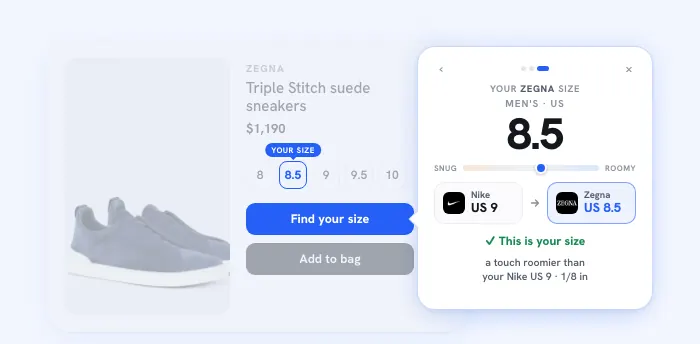
The shoe size recommender for your store. Shoppers name a pair they already own, and Size Match turns it into their size in your brand.
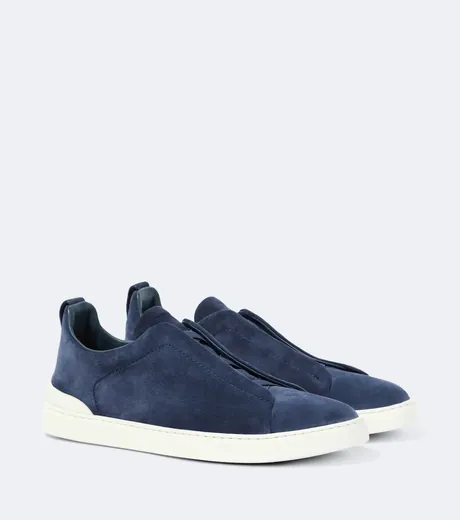
 Nike▾NikeUS 9
 ZegnaUS 8.5
Your shoppers’ size, from 450+ brands they already own


450+ brands, fit mapped against each brand's own sizing. 97% accuracy on brand-to-brand recommendations.
Measured across 478,596 cross-brand comparisons.
Three steps. One right size.
Name a pair
Every shopper owns the answer. “I’m a 9 in Nike” is all it takes. No scan, no quiz, no ruler.
Sizely matches it
Foot length and how each brand cuts, checked against the brand’s own chart.
Buy the right size
One definite answer, in the sizes you sell, shown in the system the shopper knows. Fewer wrong-size boxes coming back.
Every foot is different. Sizes pretend they aren’t.
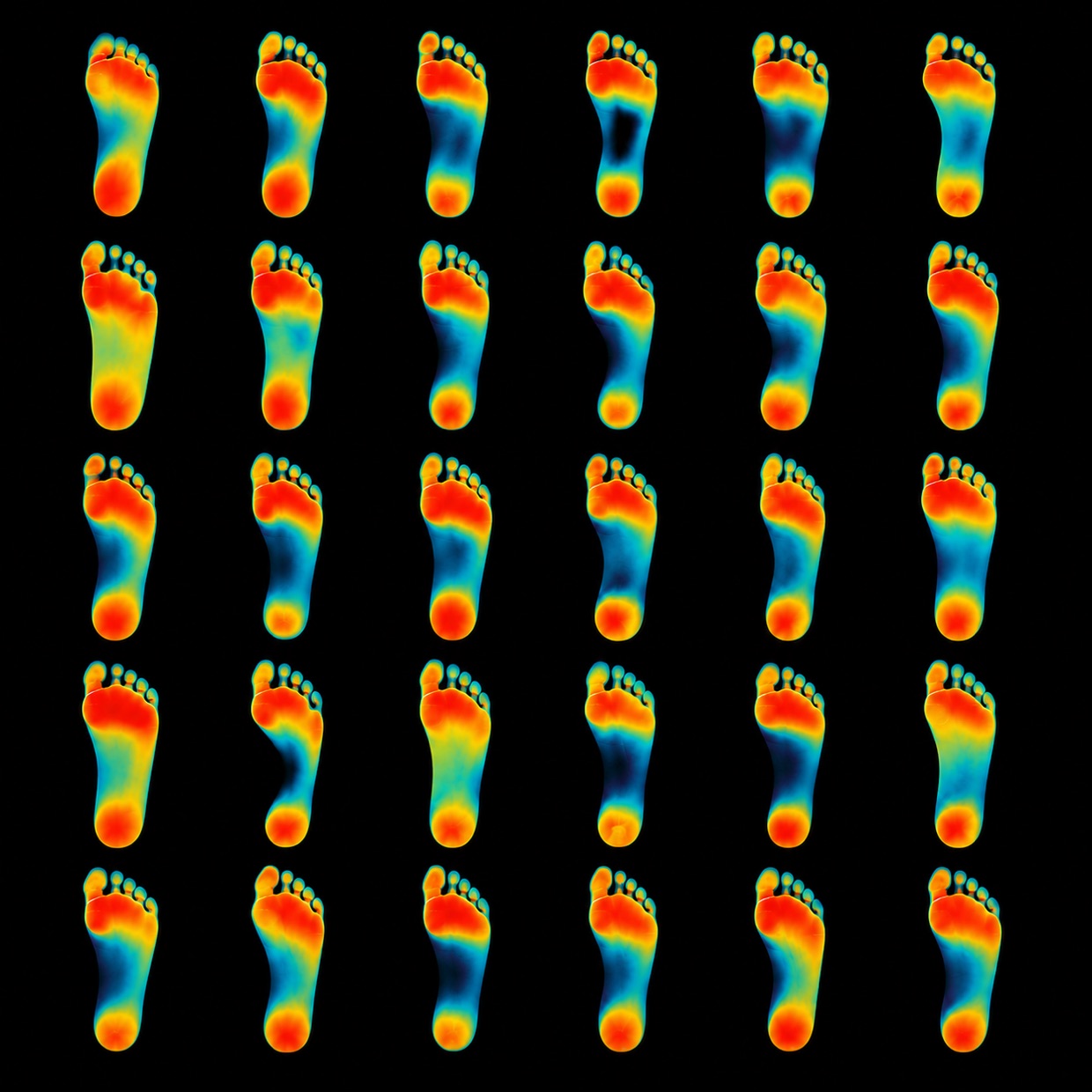
A 9 is not a 9. Real feet differ in length, width and shape, and every brand cuts its sizes differently. Sizely works from the dimensions of the foot, not the number on the tag.
Everyone else adds steps. We removed them.
Five ways to answer the size question, side by side. What each one asks of your shopper, and what it costs you.
| Size charts alone | Foot scanner apps | Quiz recommenders | True Fit (enterprise) | Sizely Size Match | |
|---|---|---|---|---|---|
| Works from a pair they already own | ~ | ||||
| No app download or camera | |||||
| No tape measure or photos | |||||
| Brand-accurate sizing, 450+ brands | ~ | ||||
| Works day one, no order history | |||||
| Published accuracy basis | |||||
| One snippet, live in minutes | ~ | ||||
| Works on any platform | ~ | ||||
| No hardware, per-scan or licensing fees | ~ | ||||
| Price to start | Free or an app fee | Hardware or per-scan fees | App fee, often usage surcharges | Enterprise, from $1,000/mo | $39 a month on Store, paid yearly. Size Quiz for clothing and Size Match for shoes included. Above 33,000 opens a month, talk to us. |
Every human owns a pair of shoes that fits. That's the only input we need.
Most apparel returns come down to size and fit.
A widget on every product page, or one size page.
Same Size Match, two places. Use one or both.
Size MatchA widget on every product page
Size Match
Sits by the size selector on each product. The answer is for the exact product the shopper is looking at.
Size GuideOne size page for your shoe store
 Veja
VejaSize Guide
One size page you link from your menu or footer. Your own size tables, with Size Match on top if you want it.
Your store. Your look.
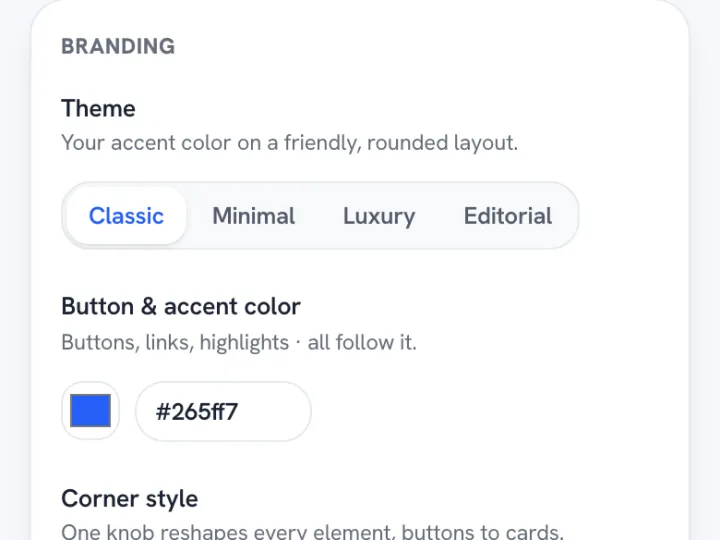
Four themes and every knob behind them. It should look like you built it.
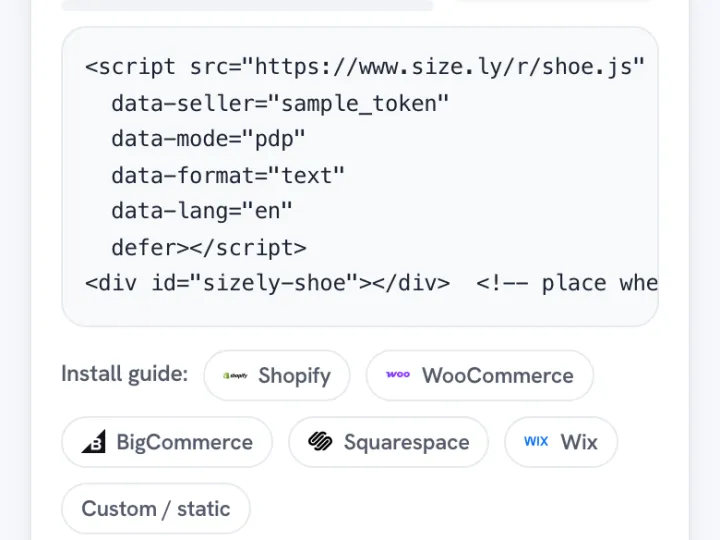
Paste it once. That’s the install.
 Shopify
 WooCommerce
 BigCommerce
 Squarespace
 WixCustom sites
Copy your snippet
Configure the look in the Sizely app and copy one script tag, with everything baked in.
Paste it once
Step-by-step guides for Shopify, WooCommerce, BigCommerce, Squarespace, Wix and custom sites, inside the app.
Shoppers get their size
On every product page, in your sizes. You watch opens and usage in your dashboard.
Auto-detects the brand on Shopify and BigCommerce. Set it once anywhere else.
One public price, counted in opens.
An open is a shopper opening Size Quiz or Size Match on your store. Browsing is free, your orders are never counted, and nothing is billed without your click.
Free to start. No credit card. Set it up and preview it free, then go live on your store with Store or Brand.
Charts included
- 30 garment designs
- 5 Item Charts a month
- 1 Size Chart a month
- Live Size Chart embed
- Inch and cm, PNG export
- 5 Seller Studio credits a month
Free to start. No credit card.
Everything in Free, plus
- Unlimited Item Charts
- 50 Size Charts a month
- All 345 garment designs
- Charts kept live forever, up to 100k views a month
- Full label, table and card styling
- Analytics dashboard
- 50 Seller Studio credits a month
Set it up free first, pay when you go live
Everything in Store, plus
- Unlimited Size Charts
- Up to 250k chart views a month
- 100 Seller Studio credits a month
Set it up free first, pay when you go live
Running past 33,000 opens a month? Tell us what you sell
Questions about price
What counts as an open?
A shopper opening Size Quiz or Size Match on your store. Each time a shopper opens it counts, and starting over counts as a new open. Seeing the button costs nothing, and page views and orders are never counted.
What happens at my limit?
You get a dated notice before you reach it. On Store you can move up to Brand, and on Brand you can add Booster packs of 5,000 opens. If you add nothing, the size tools pause for shoppers until you add opens or your next renewal clears. We never bill extra automatically.
Can I try it on my store first?
You can build it, style it and preview it free, and see it working in our demo store. It goes live on your store once you choose Store or Brand.
Can I cancel?
Yes, anytime. Your plan stays live to the end of the period you paid for.
Sell your own brand? Add it to the engine.
The engine carries 450+ brands, and your house label can be one of them. Give us your sizes in millimetres of foot length, and we verify them against the sizing you actually sell before anything goes live. After that your label answers in the widget exactly like Nike does, and shoppers convert to it from whatever they already own.
Free to start. No credit card.
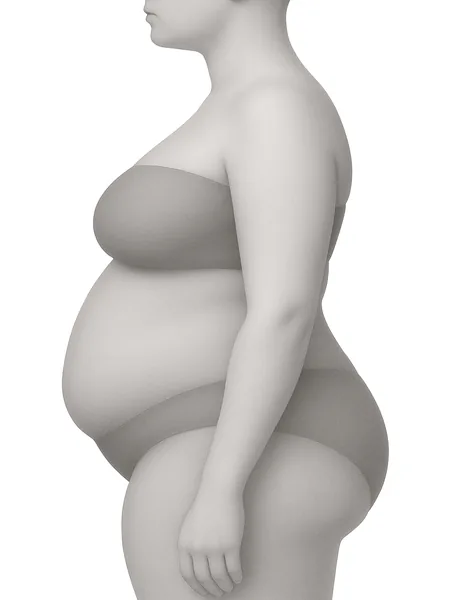
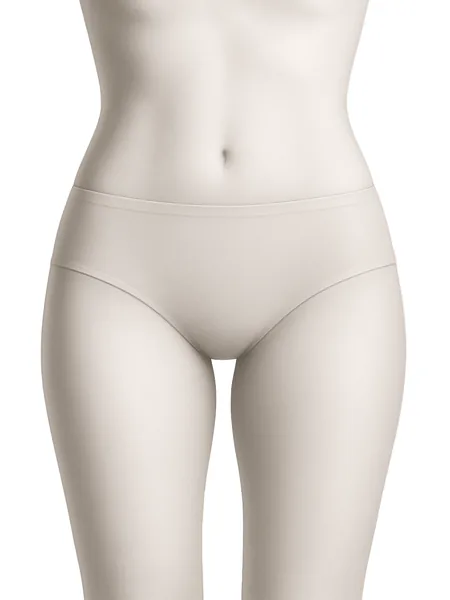
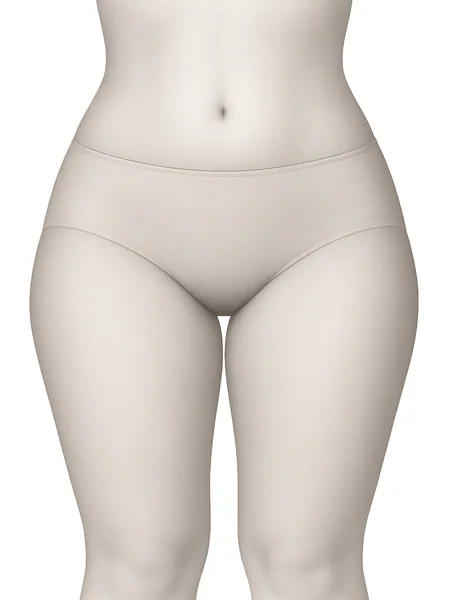
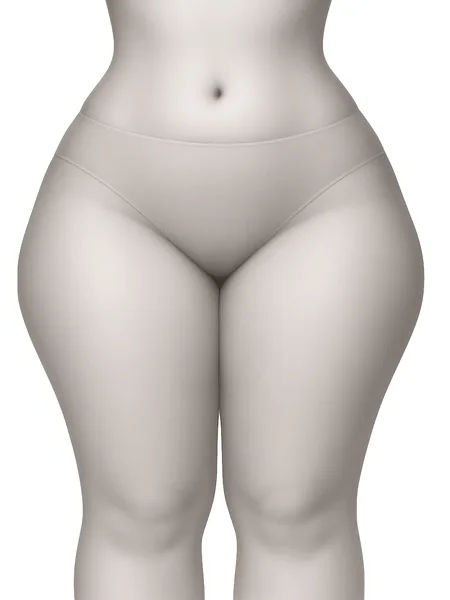
For clothing, there is Size Quiz
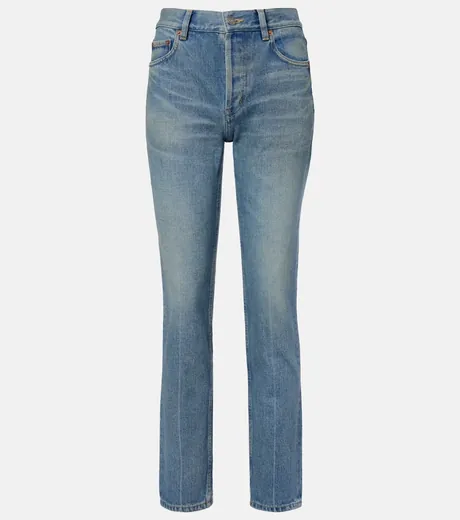
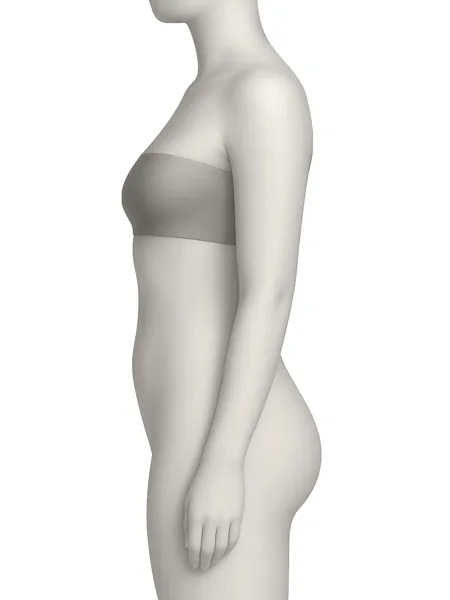
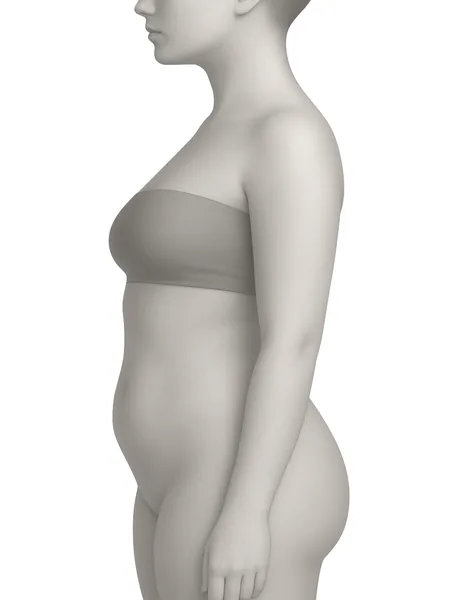
The Apparel Size Recommender gives a quick answer from height and weight, then a few quick taps on build and fit to nail it, scored against your garment’s own measurements when your Size Chart is connected. Same shared opens pool.
Run a larger brand?
Custom rollouts, multiple storefronts, and white glove setup. Tell us what you sell and we build the plan around it.
One short form. A real person reads every note and comes back with a plan, not a pitch.
The Shoe Size Recommender, in plain terms.
What is the Shoe Size Recommender?
A small widget for your store. A shopper names a pair of shoes they already own, and it answers with their exact size in the brand they're buying, in the sizes you actually sell. It runs on the Sizely sizing engine: 450+ brands keyed on foot length. Only brands we have verified are offered as the answer.
Do I need an app or a plugin?
No. It's one script tag that works on Shopify, WooCommerce, BigCommerce, Squarespace, Wix and any custom site. Paste it once. Step-by-step guides for every platform are in the app. A native Shopify app is on the roadmap.
How accurate is it?
Fit mapping rather than a generic conversion table: every brand is keyed to foot length in millimetres, with luxury houses cross-checked in their native language. Across 478,596 measured cross-brand recommendations, 97% land on the right size or the one beside it. A shopper can name any pair they own as the input, and only brands we have verified are offered as the answer.
What if you do not carry the brands I sell?
Add them. The configurator takes your brand name, whether it is sized for men, women or unisex, and your sizes as foot length in millimetres, half sizes included. We verify them against the sizing you sell, then your label appears in your widget alongside the 450+ brands already in the engine. House labels and smaller brands are exactly what this is for. Missing a brand you stock? Send the name to support@size.ly.
What if a shopper's brand is not listed?
The search catches typos and suggests close matches as the shopper types. If the brand still is not there, the shopper can name another pair they own or enter their foot length instead. Want a brand added? Send the name to support@size.ly.
What about width?
Handled where it's real. For brands that sell multiple widths, the widget shows that brand's own widths and the shopper picks theirs. Brands that only make one width never get a width question.
Does it work for kids' shoes?
Not yet. Size Match answers in men's and women's sizes, so keep it off kids' product pages. For kids' shoes, add a Size Guide to your store: one size page with your kids' size tables.
Size Match or the Size Guide?
Size Match sits on each product page and answers for that exact product. The Size Guide is one size page for your shoe store, with your size tables and the same Size Match on top. Use one or both. Both go live on Store and Brand.
Will it slow my page down?
No. The trigger is a tiny deferred script. The widget itself loads in an isolated frame only when a shopper opens it. It never touches your page's code or styles.
Can I match it to my store's look?
Yes, everything: four themes (Classic, Minimal, Luxury, Editorial), your accent colour, corner style, shadows, fonts, your trigger text, and only the brands you carry. Luxury stores get a sharp black-and-white look out of the box.
Where does it appear?
Your choice: an inline text link by the size selector, a floating button that opens it over the page, or a docked panel that browses with the shopper. On product pages it detects the brand automatically. Site-wide it lets shoppers pick any brand you carry.
Does it speak my shoppers' language?
Yes. The widget runs in English plus 12 more languages: German, Spanish, French, Italian, Dutch, Polish, Portuguese (Brazil), Swedish, Turkish, Japanese, Korean and Simplified Chinese. It also opens on the size system that shopper expects, so a German shopper reads EU 44 while Japanese and Korean shoppers read JP, and anyone can switch to any system the brand publishes.
Which plan do I need?
Every plan lets you set it up and preview the full widget free. Going live on your store takes Store or Brand, and the pricing section above shows every price and what each plan includes.
Your shoppers’ size is already in their closet.
Put it on your shelf. One script tag, fit mapped and verified against the sizing the brands use themselves.
Free to start. No credit card.